20% Off Acrylic Prints and Blocks
Hurry, Offer Ends 06/12/2026
Get The Details
Flexible solutions so you can spend more time doing what you love. It's the Bay way!
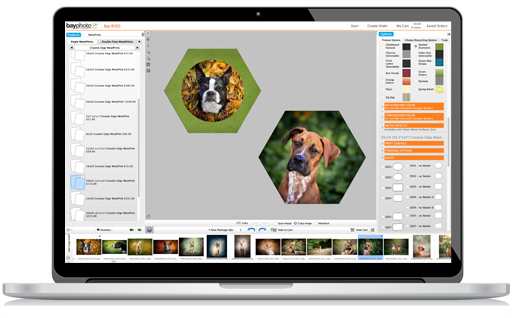

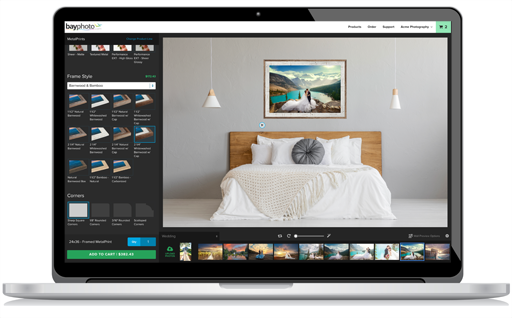

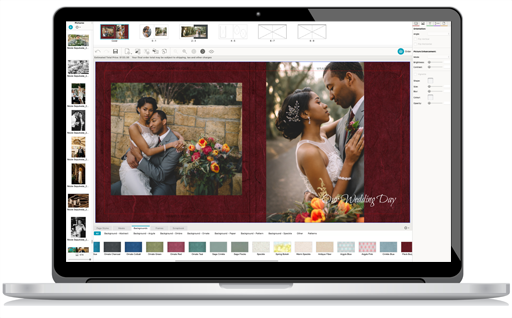

No two photos are alike, nor are any two Photographers. That's why we offer a variety of industry-leading ordering tools, FREE for you to use. Find your go-to solution, or feel free to pick-and-choose according to your needs.
Our workflow solutions for Sports, Schools, and Volume Event Photographers are designed to help you run a profitable business.
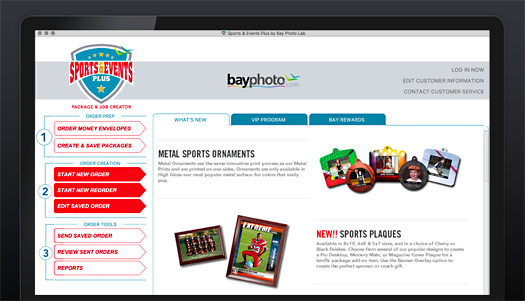
Sports and Events Plus Package and Job Creator gives volume photographers the ordering tools they need to tackle jobs large or small. Hit a home run with the intuitive workflow, large selection of themed products, easy reordering, and other powerful features.
Learn More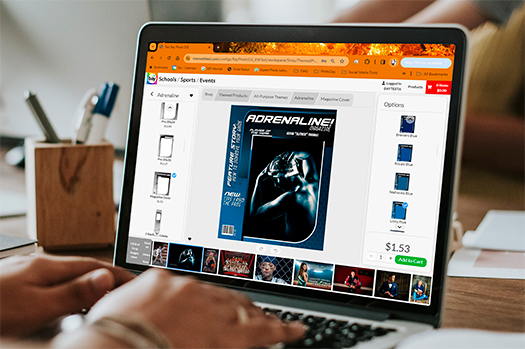
Sports & Events Online is perfect for those jobs where a higher degree of design control is necessary. Create individual custom crops and text for each subject or product as you like. Easily use your own designs to create our specialty products like Trader Cards and more.
Learn More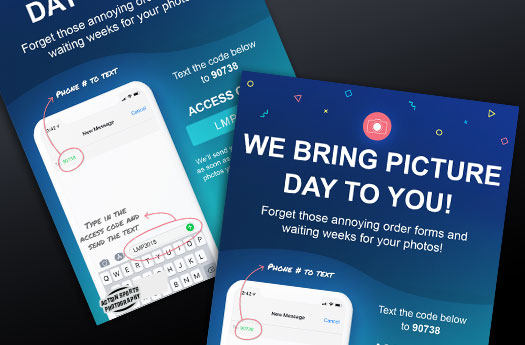
The all-in-one workflow that combines an online ordering platform with powerful marketing tools to drive sales for volume photographers.
Learn More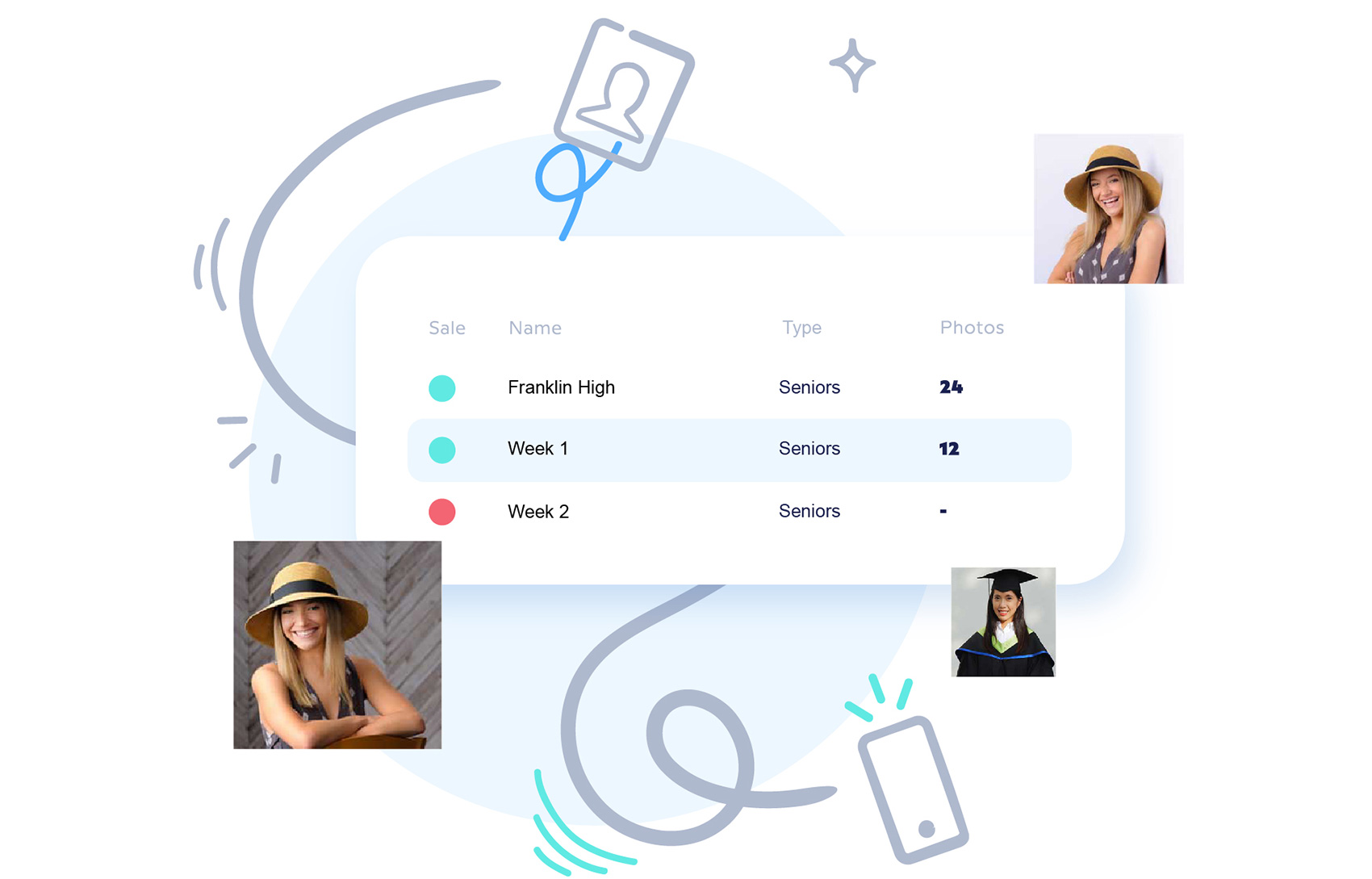
GotPhoto is the premier online photo sales solution for school photographers. Offering the highest degree of technology for the high-volume studio, GotPhoto's features create a smooth user experience for everyone.
Learn More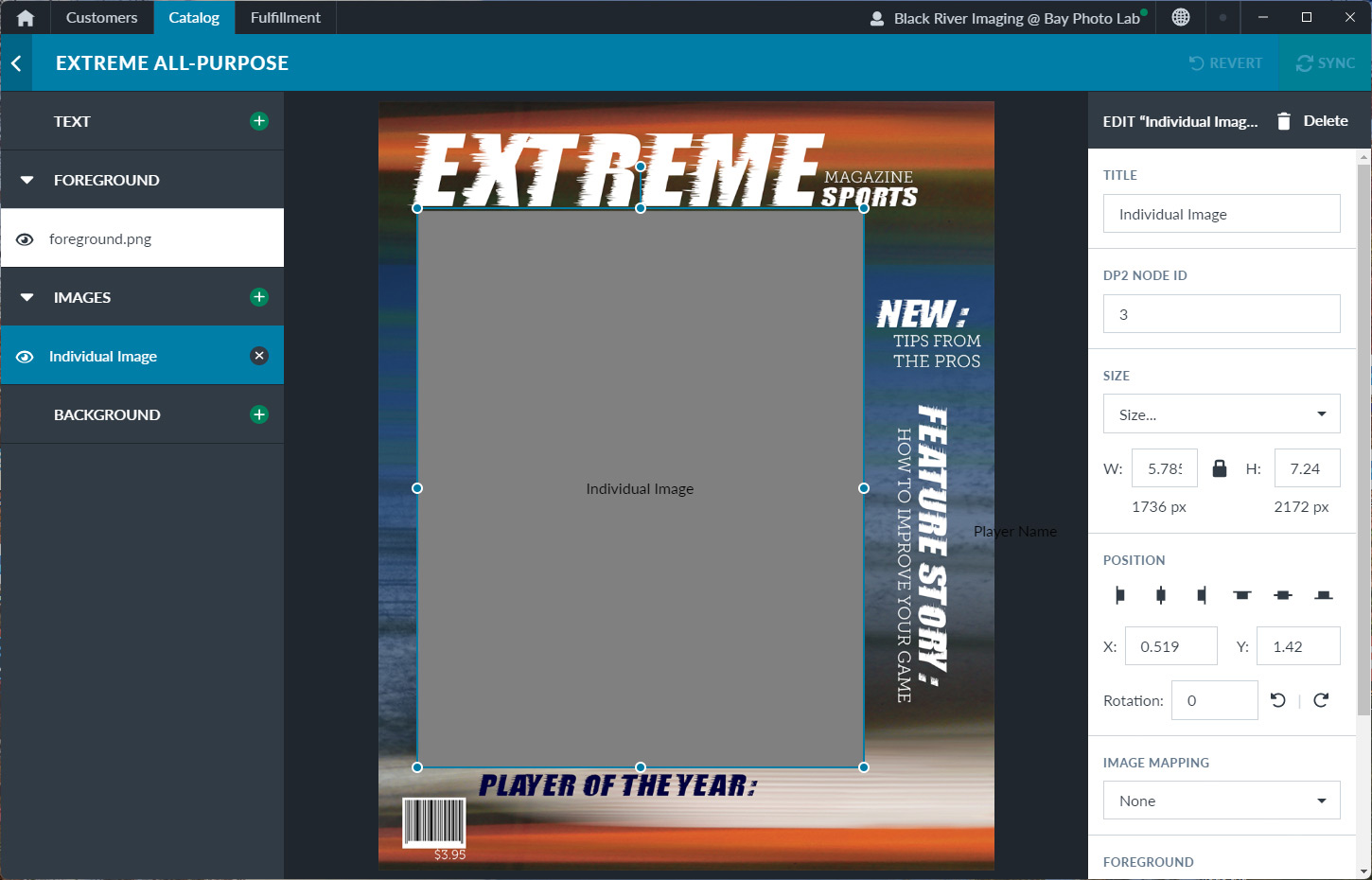
BluePrint by ImageQuix is the perfect platform if customization and control fit your model. Easily offer your own custom product designs and self-fulfilled products in an online sales platform.
Learn More
The following companies have chosen to partner with Bay Photo Lab to offer their users the highest quality professional photo products. The Integrated e-commerce, proofing, ordering, and studio arrangement solutions give Photographers the control, flexibility, and ease of use needed for successful sales.


SmugMug and Bay Photo Lab have teamed up to bring you an all-in-one online photo solution. You'll get impressive galleries, luscious slideshows, your own look and brand, unlimited storage and traffic, a wealth of ecommerce and marketing tools, and integration with your favorite pro lab!

Join tens of thousands of professional photographers that are sharing and selling commission free. ShootProof provides client galleries that work on every device and you can set your own prices and products for sale. Best of all, print fulfillment is available directly through Bay Photo following your review and approval of each order with no markups or commission fees!
Join our growing community of professional photographers who have chosen our newest signature solutions integrating beautiful customizable galleries and a one-of-a-kind online store. Frames, mat boards magazines and albums are readily available for purchase for your customers directly through your gallery. Our game-changing User Interface technology will simplify your client workflow experience and maximize your business potential.


With over 15 years of experience, Zenfolio offers an all-in-one cloud-based solution with intelligent workflow automation to help photographers build customized portfolio websites, run savvy marketing campaigns, schedule appointments, and sell products through our integrated lab partner Bay Photo.

With websites built to convert site visitors into art buyers, on-going art marketing coaching, and access to a private success community, artists are now finally able to gain independence from their reliance on art galleries to sell their art. Our latest proprietary innovation in art-selling technology is the Live Preview Tool, which uses augmented reality to allow anyone with a mobile device to try out your art on their wall, straight from your website.

PhotoDay is the all-in-one workflow that combines an online ordering platform with powerful marketing tools to drive sales for volume photographers.

Instaproofs has provided beautiful client galleries to over 45,000 professional photographers since 2005, and we're very excited to partner up with Bay Photo Lab for all of your printing needs! Whether you’re looking for Client Galleries, Custom Mobile Apps, Invoicing Services or Sales & Marketing Tools, come take a look at what we can do for you. No commissions, free to try, upgrade anytime.


Lightfolio integrates with Bay Photo Lab to provide your clients easy access to online ordering of prints, canvas and more. Photographers in over 100 countries across the globe use Lightfolio to create client galleries, websites, online contracts, invoices and more.


PhotoLynx offers CamLynx™ On Site Capture and Production Software to help speed the workflow of volume photographers of all sizes. Whether you shoot school dances, youth sports, preschools, seniors, or weddings, CamLynx makes it easy to stay organized and ahead of the game. PC compatible.


Fotomoto makes it easy to sell your photos directly from your own website. This print-on-demand e-commerce widget integrates seamlessly into your existing website. Just add the code to your site, choose what products to offer and how to price them, then sit back and start making money.


Fundy Designer is a template-free design solution for professional photographers. Design your albums, wall art, web collages and watermarking all in one desktop application. Even better, you can design and order your Pacific Albums all within Fundy Designer. Mac/PC compatible and free trial never expires.

GotPhoto is the premier online photo sales solution for school photographers. Offering the highest degree of technology for the high-volume studio, GotPhoto's features create a smooth user experience for everyone.


ShootDotEdit is the first choice color correction and post production solution for the pro wedding photographer, and everything they shoot. Their provide turnaround time as fast as 48 hours. ShootDotEdit Customers now receive Extra, a complimentary gallery hosting and storage service designed to sell more prints for you with zero commissions.

Bay Photo and ImageQuix have partnered to provide professional studios with a complete online proofing and ordering system. With unlimited galleries and bandwidth, a fantastic new interface, flexible fulfillment options, and super-fast payments, IQ is the ideal solution for studios of any size.